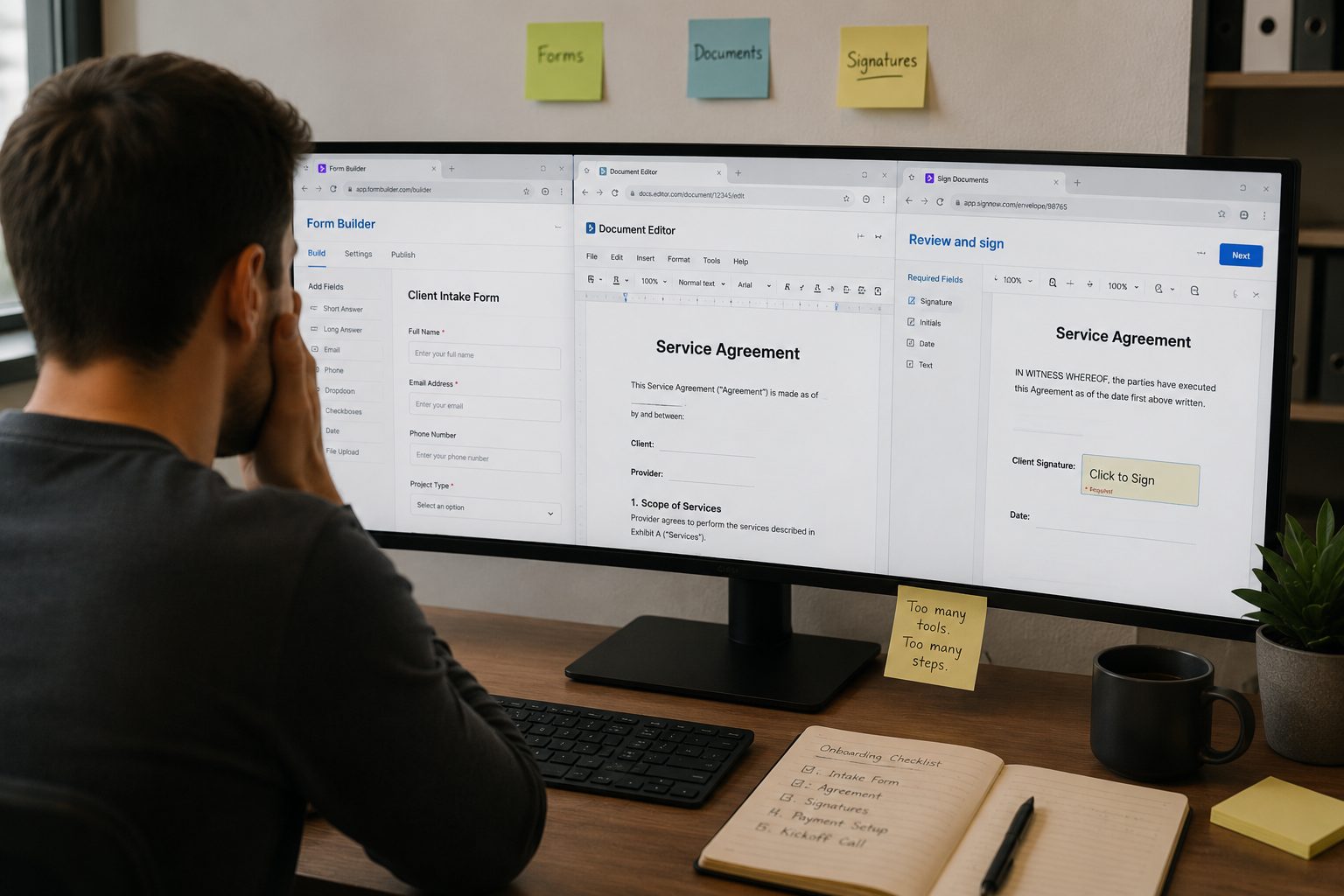
While exploring the world of online document automation, most people run into a version of the same problem. They build a form and collect responses. Turning those responses into a finished, signable document still requires additional work.
The form has done its job. The information is there. The challenge is getting that information into the right document, and keeping the process moving without introducing more manual steps.
In this article, we’ll walk through the difference between a form builder used to create documents and a true document generator. We’ll also clarify why that gap exists and how to close it without creating a workflow that depends on multiple disconnected tools.
The role of a form builder in document workflows
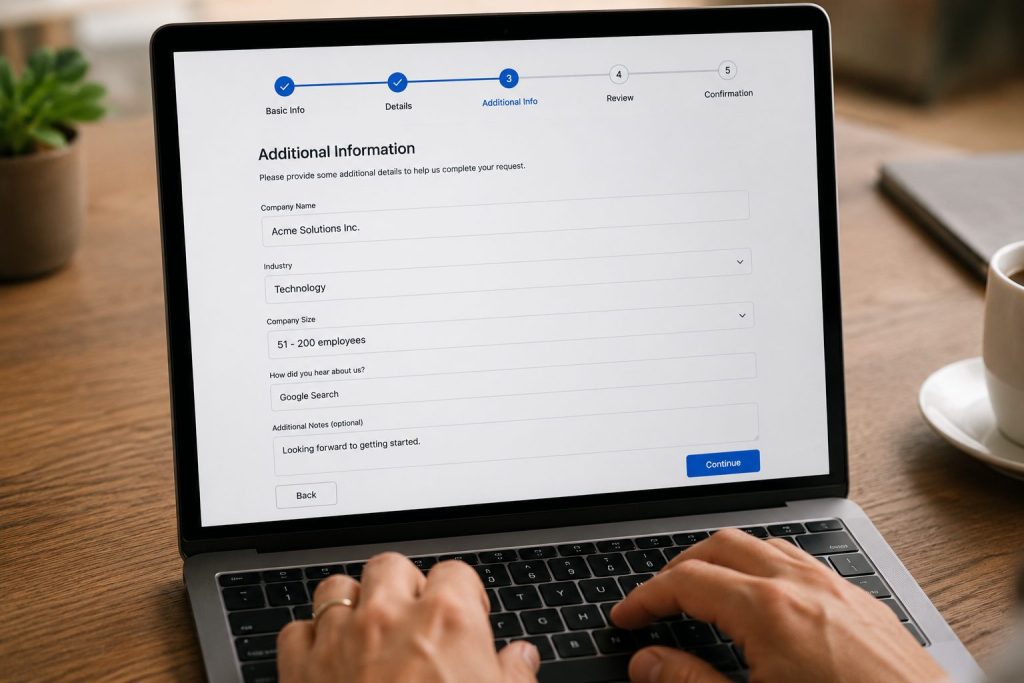
A form builder is designed to collect information. It presents questions, captures responses, and stores that information for later use. Tools like Jotform are built around this purpose. It provides field types such as text inputs, dropdown menus, checkboxes, file uploads, and conditional logic that changes questions based on previous answers.
For many businesses, form builders are the starting point of a process. A client completes an intake form. An employee submits onboarding information. A customer requests a quote. The form successfully gathers the data needed to move forward.
The limitation often appears after submission. Collecting information and producing documents are different functions. This is where many teams start looking at workflow platforms like DoxFlowy.
Get rid of manual repetitive paperwork with robust document automation
LEARN MORE
The responses may be stored in a spreadsheet, sent by email, or pushed into another application through an integration, but they do not automatically become a completed contract, agreement, report, or proposal.
To bridge that gap, businesses often introduce another tool. While the form collects the information, a document generation platform receives that information and inserts it into a template. The completed document is sent elsewhere for approval or signature.
At that point, the workflow spans multiple systems. Each tool performs its assigned task, but the process becomes dependent on integrations and data transfers between platforms.
The role of a document generator in document workflows
A document generator (also known as document assembly) focuses on creating documents rather than collecting information.
Instead of presenting questions to respondents and leaving you to figure out where each piece goes, it starts with a template. The template contains placeholders that are replaced with real data when the document is generated. The result is a completed file that can be downloaded, reviewed, shared, or signed.
Platforms such as Docupilot and Formstack Documents operate this way. You create templates containing merge fields and connect a data source. When information arrives, the platform generates a populated document using that data.
The document generation is usually straightforward. The complexity comes from deciding where the data originates. DoxFlowy approaches this differently by allowing the form and document template to exist inside the same workflow.
However, in most cases, the data must come from another system. That might be a form builder, a customer relationship management platform, a spreadsheet, or a custom application.
As a result, document generators often depend heavily on integrations. You may need to use automation tools to move information between systems and trigger document creation when specific events occur.
Document generators also tend to focus on generation rather than execution. Creating the document is only one stage of the workflow. If signatures are required, another platform is often introduced to handle signing and tracking.
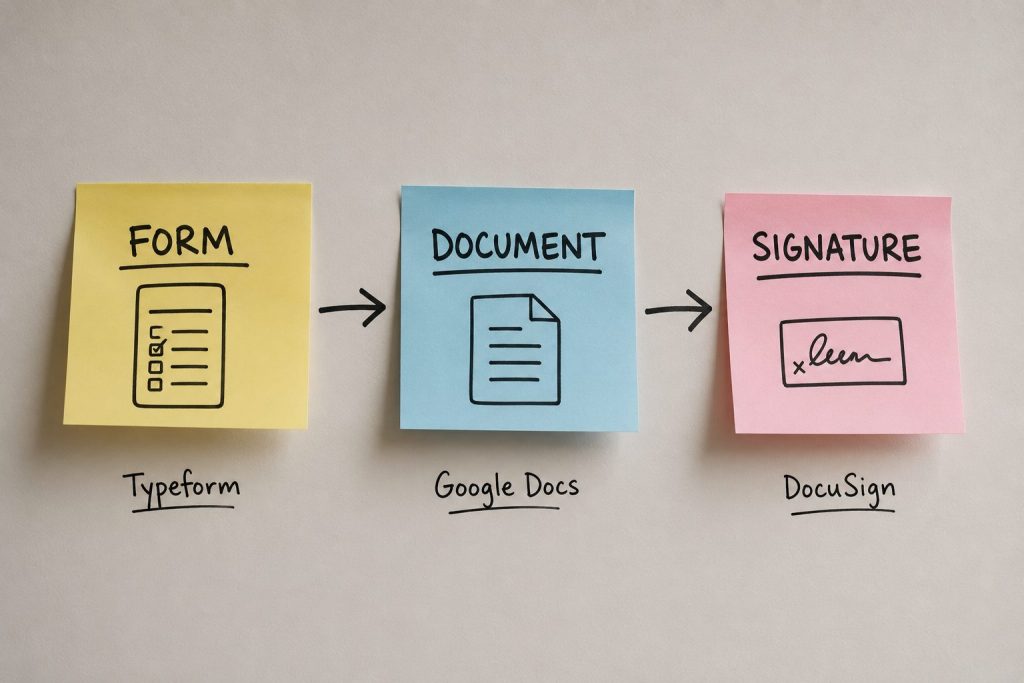
This creates a situation where the form lives in one system, the document template lives in another, and the signing process takes place somewhere else.
How common document platforms approach the workflow
DocuSign is primarily an electronic signature platform. Its strength lies in collecting signatures, maintaining audit trails, and managing signing workflows.
What it doesn’t do natively is act as a dedicated form builder. If information originates from a form, that form typically comes from another system. Document generation may also require an additional platform, depending on the workflow being built.
PandaDoc sits closer to the document generation category. It combines document creation and electronic signatures within a single platform and provides more document-focused functionality than DocuSign.
PandaDoc does offer form-related capabilities, but access depends on plan level and product availability. If you’re evaluating PandaDoc specifically for form-driven document workflows, carefully review which features are available within each pricing tier.
If you have relatively straightforward document creation needs, PandaDoc can reduce the number of systems involved. However, many organizations still find themselves managing separate processes for collecting information, generating documents, and maintaining workflow logic.
This is where the distinction between form builders and document generators starts to matter. Many platforms excel at one side of the process while relying on integrations to cover the other.
Why form collection and document generation often remain separate
The gap exists because form builders and document generators were created to solve different problems. DoxFlowy was built around the assumption that most operational teams need both.
Collecting information and generating documents are usually part of the same business process, especially in onboarding, HR, operations, compliance, and client-facing workflows.
Document and customer insights at your fingertips
LEARN MORE
A form builder focuses on gathering information accurately. A document generator focuses on turning information into documents accurately. Neither objective automatically includes the other.
As you grow your organization, you’ll likely find yourself assembling workflows by combining specialized tools. A form builder collects information. An automation platform transfers the data. A document generator creates the document. An electronic signature platform manages approvals and signing.
This approach works, but it also introduces additional maintenance and failure points. Every connection between systems must remain functional. Fields must match correctly across platforms. Templates must stay aligned with incoming data.
The more systems involved, the more attention the workflow requires. The more opportunities for the workflow to fail.
This doesn’t mean integrations are inherently problematic. The important point is understanding that collecting information and generating documents are usually separate functions unless a platform is designed to handle both.
Combining form collection and document generation in a single workflow
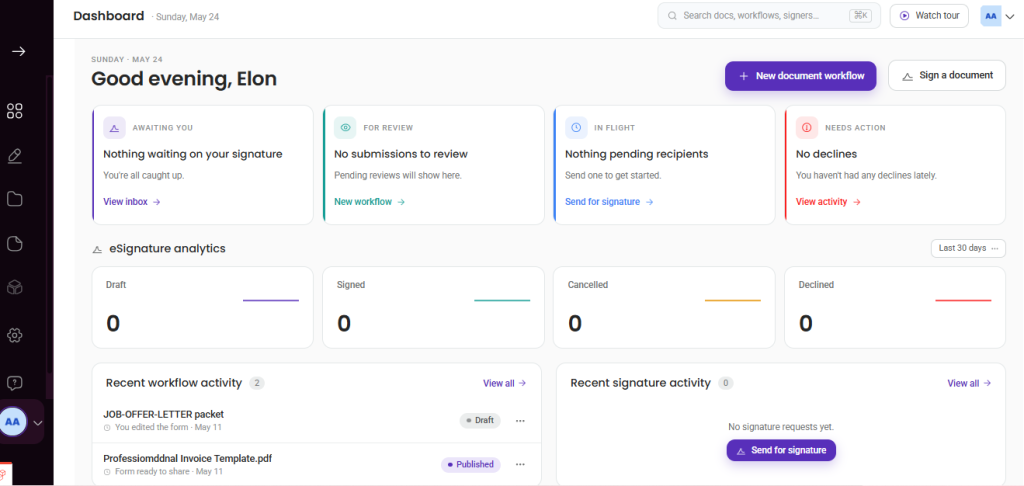
DoxFlowy is built around combining data collection and document generation into one workflow.
Instead of treating forms and documents as separate processes connected through integrations, DoxFlowy allows both to exist within the same workflow. The form collects the information, the template receives the information, and the document is generated automatically.
The relationship between the form and the document is established during setup. Fields inside the form are automatically mapped to tags inside the document template. When a respondent completes the form, the system already knows where each answer belongs.
This reduces the need for external automation layers between collection and generation because both functions are operating within the same system.
The process is also configurable. Templates contain dynamic fields, roles, conditional logic, and signing. Different sections can appear based on responses provided through the form. Documents can be routed to different signers depending on your process requirements.
The result is self-contained system where information moves directly from collection to document generation without requiring a you to stitch together multiple tools.
How form to document generation works in DoxFlowy
The workflow begins with a dynamic document template.
You upload an existing document or create one using the built-in editor. Tags are inserted into the template wherever variable information is expected. Names, dates, addresses, pricing information, contract terms, and other details can all be represented through tags.
The next step is creating the form.
Questions inside the form correspond directly to the tags inside the document. If the document contains a field for a customer’s company name, the form contains a question that collects that information. If the document contains a field for a start date, the form includes a matching date field.
These fields are created automatically and can be edited by you.
After publishing your workflow, you can share the form directly with the respondent. Once the respondent submits the form, the collected information flows directly into the dynamic template.
Take advantage of AI-powered document drafting to move 4X faster
LEARN MORE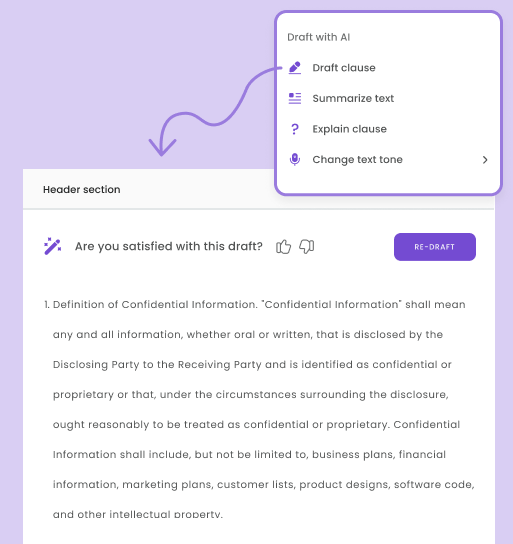
The completed document is generated automatically using the submitted responses. Because the form and template are connected within the same workflow, there is no need to export data, move information manually, or configure a separate document generation service.
Additional workflow actions can then occur automatically. Documents can be routed for signature, assigned to specific participants, stored in a repository, or trigger follow-up actions based on predefined rules.
The entire workflow remains connected from the initial submission through final execution.
The impact of unified document workflows

For smaller teams, manually moving information between systems may not feel like a significant burden.
When document volume increases, the number of repetitive tasks tends to increase as well. Information must remain accurate across every stage of the process. Templates must receive the correct data, documents must reach the correct recipients, and completed files must be stored and tracked properly.
Bringing those stages of document creation together can simplify administration and reduce the amount of workflow maintenance required over time.
This is particularly relevant for teams handling onboarding documents, client agreements, service contracts, approvals, compliance forms, applications, and other recurring document processes.
Rather than focusing on individual tools, the focus shifts to the workflow itself and how information moves from collection to completion.
Selecting the right approach for your workflow requirements
If the goal is to collect information, generate documents from that information, and move those documents through signing workflows within a single process, it’s worth evaluating platforms designed to handle those stages together.
The key question is not whether a form builder is better than a document generator. They serve different purposes.
The more useful question is whether your workflow requires both, and whether the tools you’re using were designed to work together as part of the same process.
DoxFlowy combines form collection, document generation, and signing workflows in one platform. You can move from submitted data to completed documents without building separate connections between multiple systems. If you’re looking to simplify document automation, that is often where the biggest operational improvement comes from.
Ready to run the whole flow without the stack? Start a free trial at DoxFlowy and build your first form-to-document workflow today.